
How to setup MyOwnSIM
Get started with MyOwnSIM quickly and easily!
Download MyOwnSIM in your CRM
The 1st step is to download MyOwnSIM from the CRM Marketplace
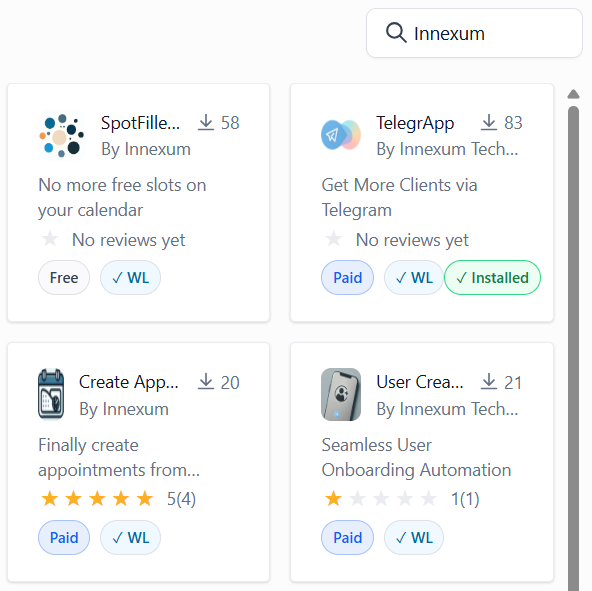

Search for MyOwnSIM or Innexum
Download our app from the CRM Marketplace right into your subaccount. You can either look for the app’s name or Innexum, no worries!
Download MyOwnSIM in your Phone
The 2nd step is to download MyOwnSIM.apk from our safe AWS server.

Download MyOwnSIM.apk
Download our application (Android only, IOS developing) from a safe AWS server.
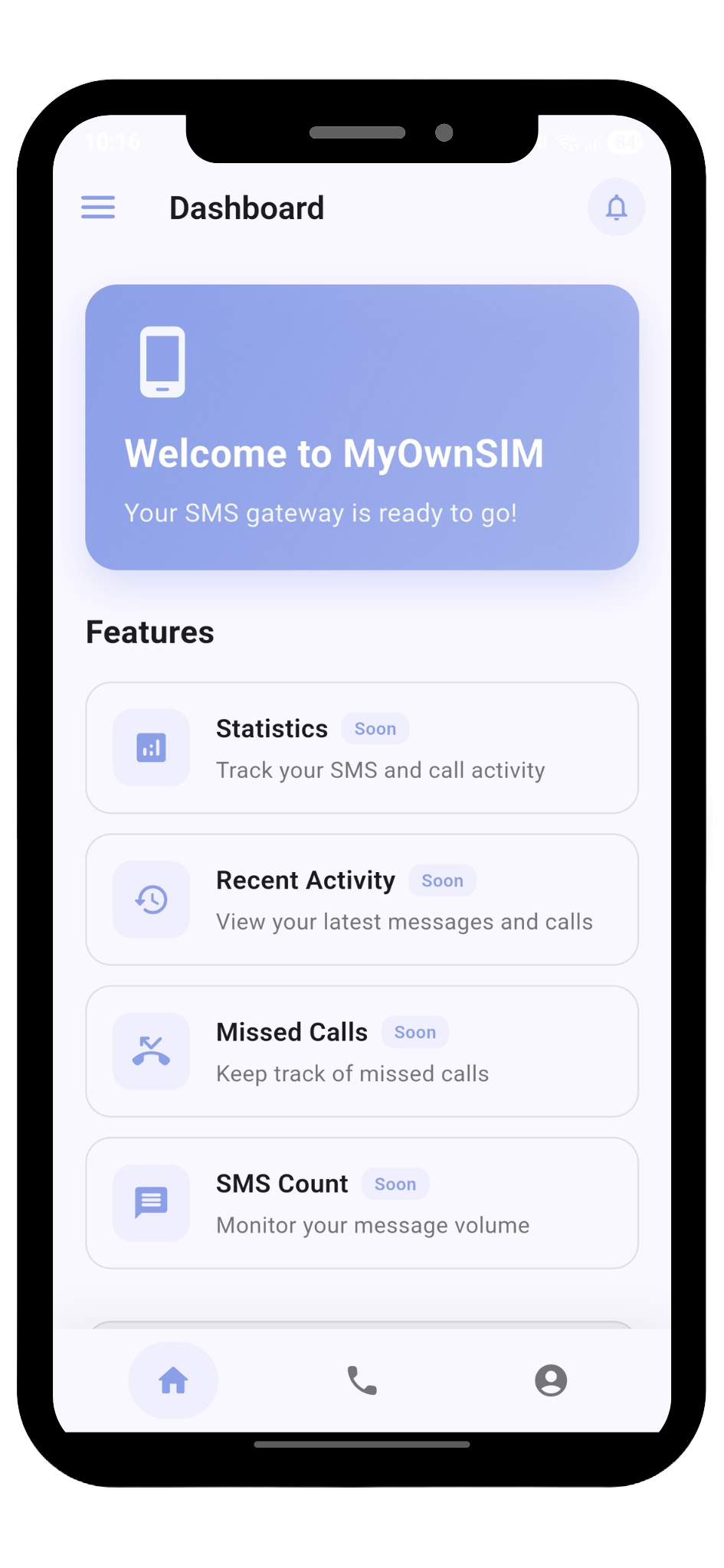
Setup MyOwnSIM in your Phone
The 3rd step is to follow the onboarding process to comply with all of the permissions needed.

Follow the steps
This part is critical, as the permissions required are essential for the app to properly work. You can visit the documentation web for further assistance.
MyOwnSIM Pricing
Explore our pricing specifically designed for every type of business, no matter how many accounts or users you need.
Free Plan
Pro Plan
Explore MyOwnSIM Resources
Check our Gitbook and Userjot pages, where you will find useful docs, tutorials, FAQs and roadmap to get the most out of our tool.

Documentation

Roadmap
Legal Documentation & FAQs
Here you have our Terms & Conditions, Privacy Policy and our Frequently Asked Questions regarding MyOwnSIM